
Add Customers
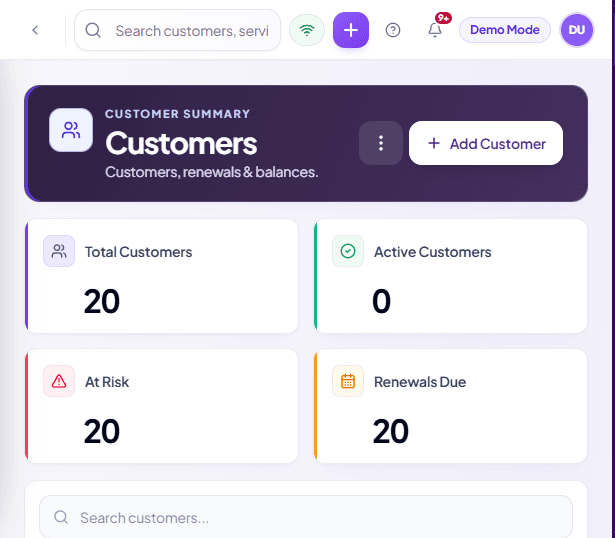
Store customer details and return to customer records to review related activity.
XolveManager helps small businesses organize customer details, service plans, subscriptions, sales, invoices, and recorded payments in one simple workspace.
Your business records are stored in your browser. Regular backups are recommended.
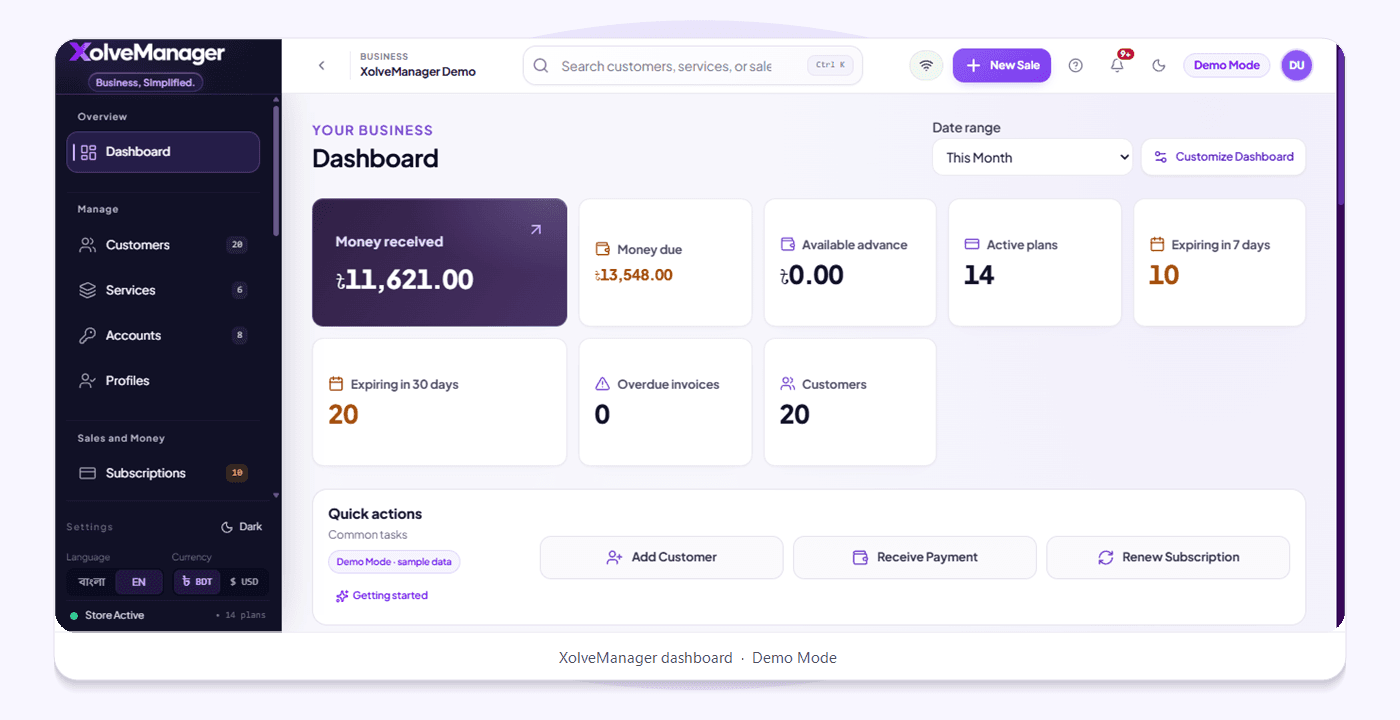
Four simple steps to organize your business.
Store customer details and return to customer records to review related activity.
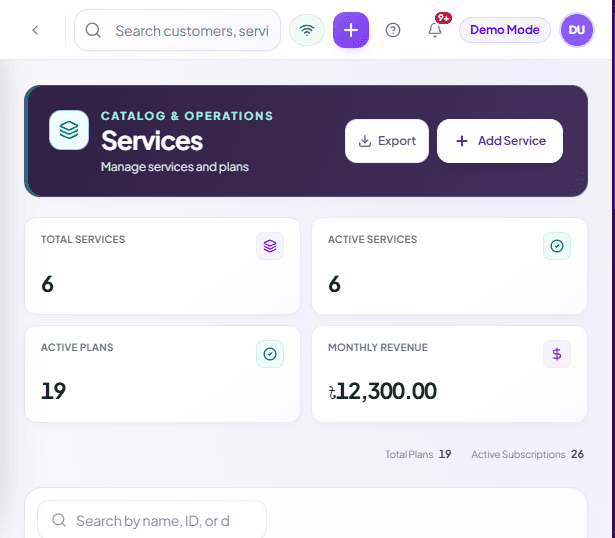
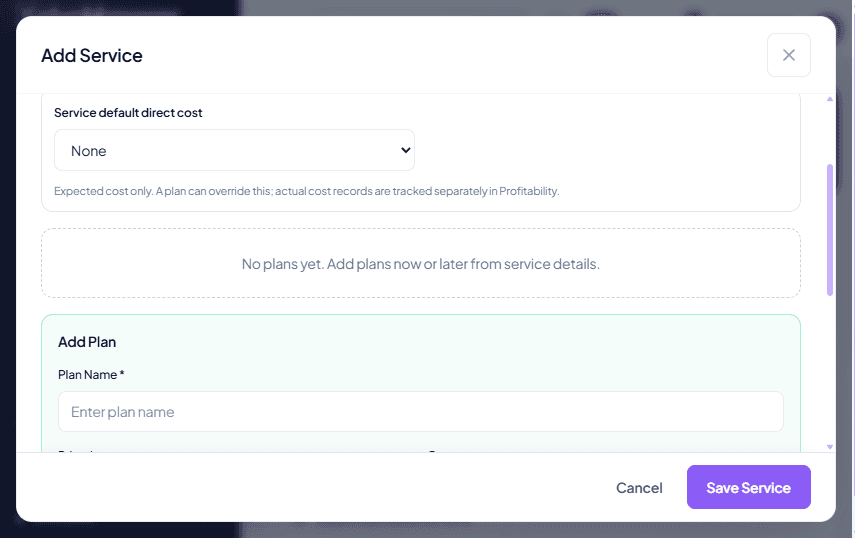
Set up services and plans with the prices, durations, and availability you offer.
Record a sale, create its invoice, and review payment progress.
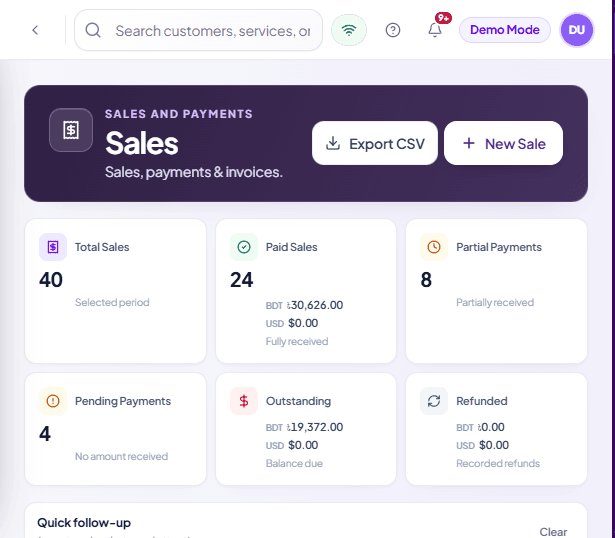
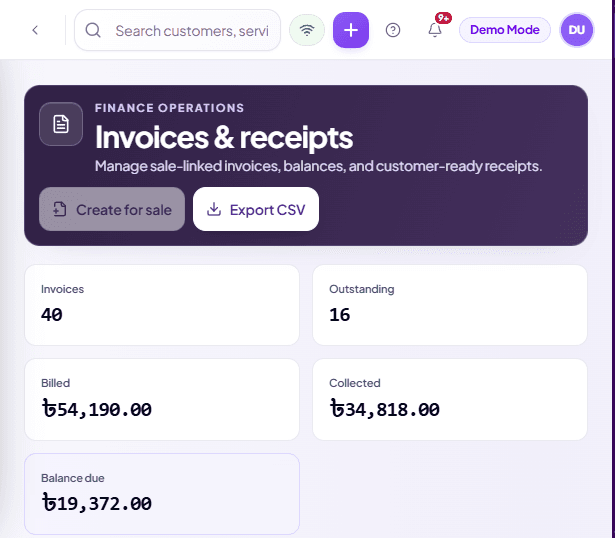
Record payments, check balances, and review business records and reports.
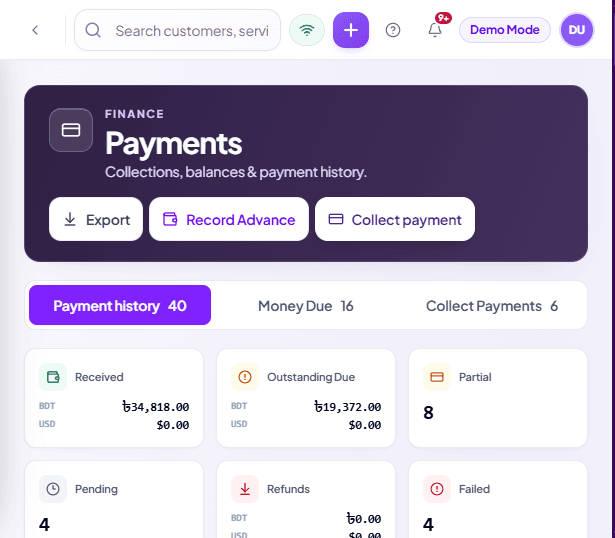
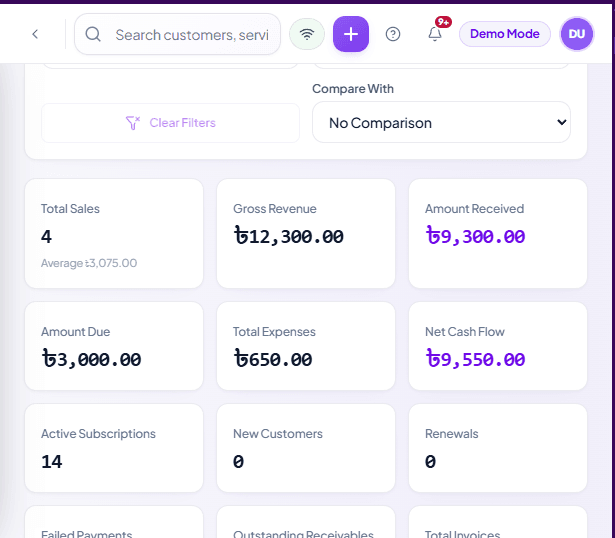
Screenshots show fictional sample records in Demo Mode. Your business records stay in your browser. Payments are recorded—not processed, and subscriptions are tracked—not automatically billed.
Keep related records in one workspace, from the first customer entry to payment tracking and reporting.
Keep customer details connected to sales, subscriptions, invoices, and payment history.
Organize the services and plans you offer, including their prices and durations.
Review subscription periods, statuses, renewal dates, and upcoming expiries.
Create and review sales records for your customers and services.
Keep invoices and their balances connected to the related sale.
Record payments received through other means and review what remains due.
Record payments in stages and keep the remaining sale balance visible.
Record customer advance credit and apply it to eligible sales.
Review a customer statement with invoices, payments, credits, and balances.
Review sales, payments, subscriptions, and other recorded business activity.
Organize service accounts and their available profiles alongside your services.
Create a manual data backup and restore a validated backup when needed.
A Look Around the Workspace
These illustrative previews use labels and placeholders—not customer, account, or financial data. Actual screens may change as the app evolves.
See a summary of the activity recorded in your workspace.
Find customer details and review their related activity.
Organize service details, plans, prices, and durations.
Review terms, expiry dates, and subscription status.
Review sales, amounts due, and recorded payments.
Keep invoice details and balances connected to each sale.
Track received payments and partial-payment progress.
Review business records through reports and summaries.
Understand Your Data
XolveManager stores business records in your browser. They do not automatically sync to cloud servers or other devices. You stay in control of your local data and should keep regular backups.
Clearing browser data or losing access to your browser profile may result in data loss. Local sign-in is not server-side authentication, and records are not a substitute for secure storage of highly sensitive information.
Read the Privacy & Data NoticeYour business records are stored in the browser profile where you use the app.
Records do not automatically sync to cloud servers or move between your devices.
Create and safely store your own downloadable backup. Restore is a deliberate action.
XolveManager records payments made through other means; it does not process customer payments or automatically bill subscriptions.
Who It Is For
If you keep track of customers, service plans, subscriptions, sales, or payments, XolveManager can help organize those records in a single workspace.
Helpful Answers
XolveManager is a workspace for organizing customer, service, subscription, sales, invoice, and payment records in one place.
It is designed for small service businesses, subscription providers, freelancers, and small teams who want to organize their business records.
After you open the app while online and its files are cached, the installed web app can load offline. Your business records are stored in the browser. Keep a separate backup, and reconnect to the internet for app updates or external links.
No. Business records are stored in the browser profile where you use XolveManager and do not automatically sync to cloud servers or other devices. Use the manual backup and restore tools when moving data.
No. XolveManager records payments you have received through other means. It is not a payment gateway and does not charge customers.
Use the backup and restore tools in the app settings to create a downloadable backup. Store it somewhere safe; clearing browser data or losing access to the browser profile can make local records unavailable.
Choose “Create Free Account” to open the existing sign-up flow. Account access is local to this browser and is not server-side authentication.
Choose “Sign In” in the browser profile where your local account and records are stored.
Your Workspace Starts Here
Create your workspace and start managing your customer and business records.